AI app builder safety starts before a customer writes the first prompt.
A B2B SaaS founder put it well on a sales call. His customers had already started building around his product with local scripts, widgets, and small servers. One semi-technical customer built a custom layer in about three days because the core product did not fit one workflow.
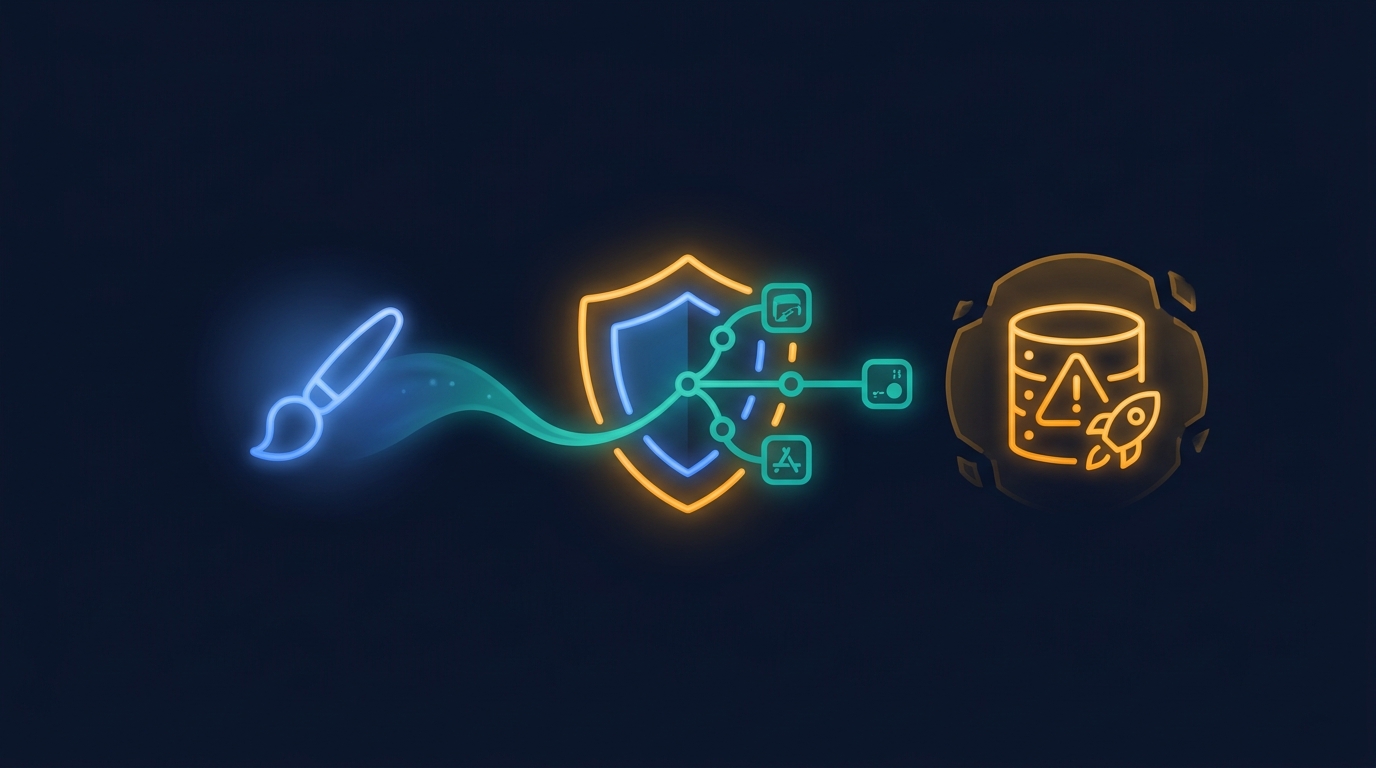
His conclusion was not "never let customers build." It was closer to: "just give them the paintbrushes, watch them paint." The hard part is giving them paintbrushes without handing them the database, the deployment pipeline, and the security model.
Key Takeaways
- "AI app builder" had 12,100 monthly searches in a 2026 keyword snapshot.1
- Customers will build around your SaaS if the product does not fit their workflow.
- Safe builders constrain scope, inherit permissions, version every app, and show what customers keep using.
What does AI app builder safety actually mean? #
AI app builder safety means a customer can create useful software inside your product without getting access to anything they should not touch.
That sounds simple. In practice, it touches almost every boring part of enterprise software: authentication, row-level permissions, tenant isolation, publishing, versioning, review, rollback, audit logs, API limits, and support ownership.
The founder on the call was not worried that AI could generate a UI. He had seen enough code generation to believe that part. His real questions were about control. Could a customer create new objects? Could they put functionality inside the existing product page? What happens if the host UI changes? Who approves a public marketplace app? Could the vendor learn from what people build?
Those are the questions that separate a demo from a product.
Why will customers build around you anyway? #
Customers build around SaaS products when the workflow is important enough and the official roadmap is too slow.
In the call, the founder described a customer who used a Mac mini, a local server, data from other systems, and injected widgets on top of the SaaS UI. The customer wanted context that the product did not provide. They were technical enough to make it happen, so they did.
That is not an edge case in spirit. It is how shadow software starts. One team begins with a spreadsheet. Another team writes a Python script. A semi-technical operator builds a browser extension. Eventually, the most important workflow sits outside the SaaS platform that is supposed to own it.
The security risk does not come from letting customers express what they need. The risk comes from forcing them to solve it somewhere else.
Step 1: Keep the builder inside the product #
The first safety decision is where the generated app lives.
If the builder exports code, asks the customer to deploy it, or sends them to a separate low-code workspace, the SaaS vendor loses the strongest safety advantage it has: the existing product boundary. The customer now has another login, another permission model, another support path, and another place where data can drift.
A safer pattern is to embed the builder inside the SaaS product. The generated app should run where the customer already works. It should use the host product's login. It should call the host product's APIs. It should look like the host product, not a random generated page pasted next to it.
That does not make the builder safe by itself, but it gives the vendor one control plane instead of many side systems.
Step 2: Constrain what the AI is allowed to touch #
The AI should not receive unlimited power over the product.
A safe AI app builder works from approved APIs, approved components, approved data access patterns, and an approved runtime. The model can still create useful apps, but it creates them inside a smaller world. That is the point.
On the call, the founder asked whether new database tables could appear behind the scenes. Sometimes that is useful. It can also become dangerous if every generated app invents its own source of truth. The safer version is explicit: decide which objects the builder may create, which must stay in the host system, and which data must only be read.
The same applies to UI injection. A button inside an existing page can be valuable. It is also more brittle than an app running against stable APIs. If a generated app depends on the host page structure, it needs tighter review and stronger rollback than an app that only calls approved endpoints.
Step 3: Inherit permissions from the current user #
Every generated app should inherit the current user's permissions by default.
That means a user who cannot see a record in the core product cannot see it through a generated app. A manager can share with the right team. A frontline user can build for their own workflow without accidentally publishing private data to the company.
This is where generic code generators struggle. They can produce the app, but they do not automatically know the vendor's tenant model, roles, row-level rules, customer boundaries, or audit requirements. The missing work gets pushed onto engineering after the exciting demo.
For enterprise SaaS, permission inheritance is not a feature. It is the price of admission.
Step 4: Treat publish as a governed action #
Generation and publication should be separate moments.
A customer can build a draft quickly. Publishing it to themselves, their team, the whole company, or a marketplace should follow different rules. An internal dashboard for one account does not need the same review as an app other customers can install.
Versioning matters here. Every published app needs a version, a changelog, and a rollback path. If the user changes the prompt and breaks the app, the vendor should be able to restore the last working version. If an API changes, the vendor should know which generated apps depend on it.
That is the unglamorous part of AI app builder safety. The prompt gets attention. The version history saves the deployment.
Step 5: Use customer-built apps as product signal #
The safest builder also helps product teams decide what not to build into the core product.
The founder on the call made a useful distinction. If a customer builds a very specific workflow, let it stay as an app. If many customers keep building the same thing, product should study it. The effort customers put into building and reusing an app is stronger signal than an upvote on a feature request board.
This is why usage analytics belong in the safety model. Product teams should know which generated apps are installed, opened, edited, copied, abandoned, and shared. That data helps separate one-off workflow demand from broad roadmap demand.
Without that signal, a builder can create a thousand disconnected experiments. With it, the app layer becomes a governed way to learn from real customer behavior.
What should you check before rolling this out? #
Start with six checks before letting customers build apps inside your SaaS.
- Can the builder only call approved APIs and actions?
- Does every app inherit the user's existing permissions?
- Can admins decide who may build, publish, and share?
- Does every published app have versions and rollback?
- Can the vendor audit data access and app changes?
- Can product see which apps customers keep using?
If one of those is missing, do not paper over it with a better demo. The demo is the easy part now. The safe operating model is the product.
Want customers to build inside your SaaS safely?
Gigacatalyst embeds an AI app builder inside B2B SaaS products with approved APIs, inherited permissions, versioning, and product usage signals.
FAQ #
Conclusion #
Customers already build around SaaS products when the official product does not fit the workflow.
The question is whether that building happens in spreadsheets, local scripts, and fragile side tools, or inside a governed layer the SaaS vendor can secure and learn from.
The founder's paintbrush line is the right instinct. Give customers room to build. Just make sure the canvas sits inside your product, under your permissions, with a version history you can trust.
Sources #
Footnotes #
-
Gigacatalyst. "Keyword snapshot, June 2026." Internal DataForSEO export: ai app builder, 12,100 monthly searches; enterprise ai, 2,900 monthly searches. ↩