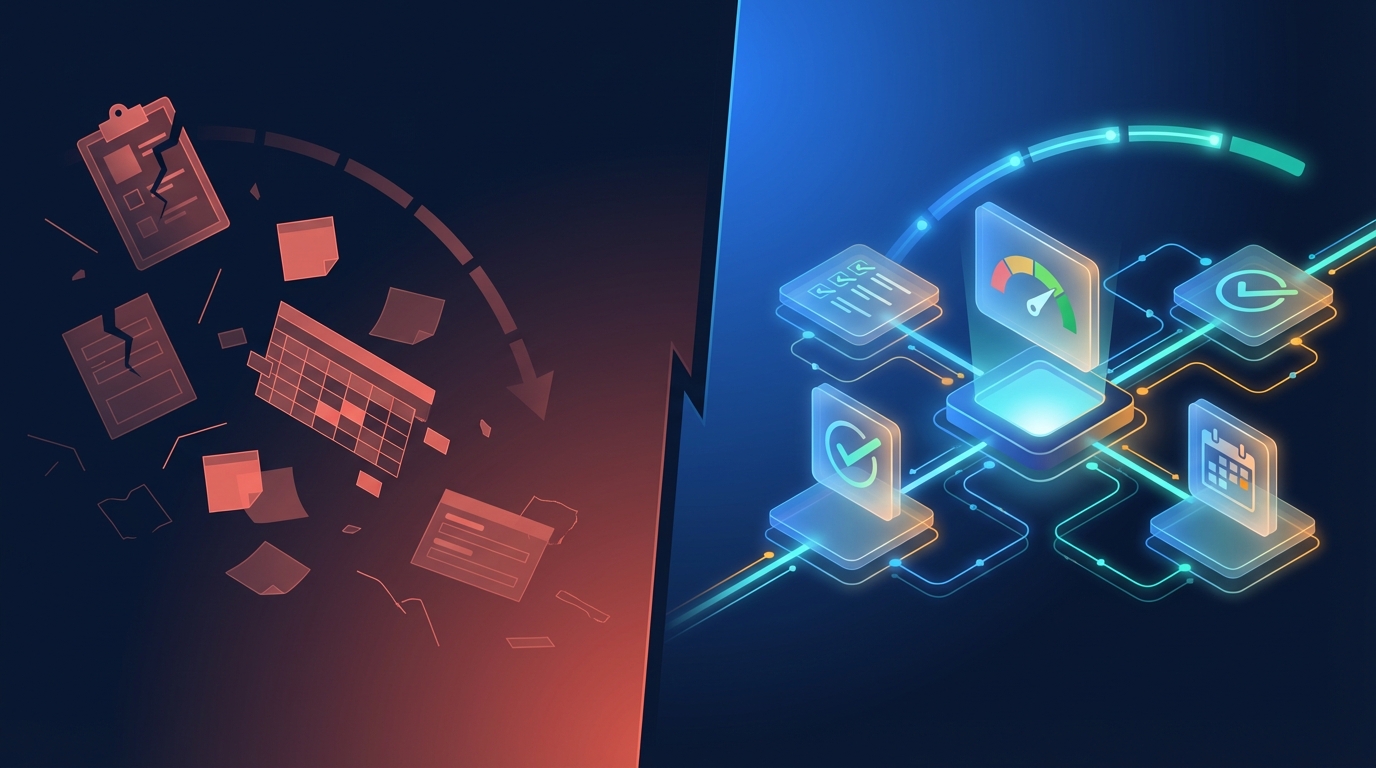
Your customers aren't churning because your product is bad. They're churning because they don't use it every day. A 2024 Gainsight study found that 51% of B2B customers send a cancellation notice with zero prior warning signs1. No complaints, no support tickets, no gradual decline in logins. Just gone. This is the silent enterprise churn pattern.
The pattern is consistent across B2B SaaS: when software doesn't fit into a customer's daily tasks, usage drops quietly. And when CFOs run cost optimization, the first tools cut are the ones employees don't touch.
Most SaaS teams respond by building more features. That makes things worse. The real fix is making your software indispensable at the task level, where work actually happens. AI makes that possible for the first time.
Key Takeaways
- 51% of B2B customers churn without any warning (Gainsight, 2024)
- Customers who renewed were 50% more engaged than those who churned
- AI-powered task workflows can reduce churn by up to 30% by fitting software to daily operations
- A 5% increase in retention can boost profits by 25-95% (Bain & Company)
Why Do B2B SaaS Customers Churn Silently? #
Average B2B SaaS churn sits at roughly 5% monthly, with best-in-class companies holding under 3%2. But the more alarming finding from Gainsight's 2024 churn report isn't the rate. It's the silence. Customers who churned were 50% less engaged than those who renewed, and the engagement gap was visible a full quarter before cancellation1.
That means the warning signs exist. They just don't look like what most teams expect.
The engagement gap is a task gap #
When your product handles a customer's core daily tasks, they log in every morning. When it doesn't, they open a spreadsheet instead. The gap between what your software does and what each customer needs it to do creates what we call the usage gap.
This gap isn't about missing features. A CMMS platform might have 200 features, but if a roofing company's technicians can't log their specific inspection checklist in under 30 seconds, they'll use a clipboard. A fleet operator might need a pre-trip safety form that matches DOT regulations for their state. A hospital maintenance team needs different priority escalation rules than a manufacturing plant.
One product. Dozens of different daily tasks. And every unserved task is an invitation to churn.
Multi-threading protects against churn #
Gainsight's data confirms this from a different angle: 64% of accounts that renewed had multiple stakeholder relationships (multi-threaded), while only 33% of churned accounts did1. More people using your product for their daily tasks means more reasons to keep paying.
The question isn't whether your product has enough features. It's whether enough people use it for enough tasks, every day.
What Happens When Software Doesn't Fit Daily Tasks? #
McKinsey's 2025 research on AI-powered customer experiences found that customer experience and retention overlap by 80-90% in some markets3. When the daily experience of using software feels like friction, retention collapses. When it feels effortless, customers stay.
Here's what friction looks like at the task level:
The workaround tax #
Every time a user builds a spreadsheet to track something your platform should handle, they've created shadow IT. It's ungoverned, insecure, and invisible to you as the vendor. But to them, it works better than your product for that specific task.
The training cliff #
Complex software requires training. But frontline workers, the people doing daily tasks, rarely sit through training sessions. If the UI requires six clicks to do something they need to do forty times a day, they'll stop using it. Usage data won't tell you why. They just won't log in anymore.
The configuration trap #
Traditional customization tools let admins configure the product. But global configuration changes affect every user. Adjusting a workflow for one team breaks it for another. So admins stop customizing, and the product stays generic, which means it serves nobody's daily tasks perfectly.
How Does AI Change the Task-Level Equation? #
Gartner predicts that 40% of enterprise applications will feature task-specific AI agents by the end of 2026, up from less than 5% in 20254. That's an 8x increase in one year. The reason: AI can generate workflows tailored to individual users, teams, or customer segments without requiring engineering resources.
This matters because the economics of customization have been impossible until now.
Before AI: pick two out of three #
SaaS companies used to face an impossible tradeoff. You could offer control (let customers configure everything, risk breaking things), usability (keep defaults simple, miss edge cases), or maintainability (build integrations, watch them decay). You couldn't have all three.
After AI: per-task workflows at scale #
AI changes this by generating task-specific microapps, small, focused applications that solve one workflow problem well. A technician gets an inspection form that matches their exact checklist. A manager gets a dashboard showing their team's specific KPIs. A safety officer gets an escalation workflow that follows their company's protocols.
Each one connects to the same underlying platform data. Each one is secured by the same permission model. But each one fits the daily task it was built for.
McKinsey found that AI-powered "next best experience" systems enhance customer satisfaction by 15-20% and can reduce churn by up to 30% within three years3. The mechanism is straightforward: when software adapts to how each customer works, they use it more. When they use it more, they don't cancel.
What Does Task-Level AI Look Like in Practice? #
Workflow automation already delivers 240% average ROI in the first year of implementation, according to Forrester5. But traditional automation requires someone to define the workflow upfront. AI removes that bottleneck entirely.
Here's what task-level AI looks like across different roles:
For frontline workers #
A field technician photographs a broken piece of equipment. AI extracts the asset type, failure mode, and priority, then generates a work order pre-filled with the right information. What used to take 10 minutes of form-filling takes 30 seconds. That technician now uses the platform 40 times a day instead of avoiding it.
For managers #
A team lead describes what they need: "Show me which jobs are overdue this week, grouped by technician, with the ability to reassign." AI builds a dashboard app connected to live data. No BI configuration. No SQL queries. No waiting for engineering.
For customer success teams #
A CS manager identifies that five customers in the hospitality vertical all need the same inspection workflow. Instead of filing an engineering ticket and waiting months, they describe the workflow in plain language. AI generates a working app that can be deployed to all five customers the same day.
In our deployment with UpKeep, this approach drove 90.8% user adoption and 89% day-30 retention across 946 users6. The reason was simple: every user got task-specific tools that fit how they actually worked.
Why Don't More Features Solve the Churn Problem? #
Companies with net revenue retention above 100% grow at 48% year over year, double the speed of peers in lower NRR ranges7. So retention clearly drives growth. But the path to better retention isn't more features.
Adding features to a B2B SaaS product creates three problems:
First, features are one-size-fits-all. A new reporting module serves the average customer. But no customer is average. A roofing company and a hospital both use a CMMS, but their reporting needs share almost nothing in common.
Second, features increase complexity. Every new feature adds screens, settings, and cognitive load. The product gets more powerful on paper but harder to use in practice. Frontline users, the ones whose daily engagement determines retention, feel the weight of unused complexity.
Third, features compete for engineering bandwidth. Every quarter spent building features for the top 10% of power users is a quarter not spent solving the task-level problems that cause the other 90% to disengage.
ChartMogul's 2025 research found that AI-native SaaS companies show dramatically worse retention than classic B2B SaaS, with patterns closer to B2C8. Their prescription: "deeper workflow fit, tighter integrations, and clearer differentiation." Not more features. Better fit.
How Should SaaS Teams Start Adding AI to Customer Tasks? #
88% of organizations now use AI in at least one business function9. But only 39% report measurable business impact9. The gap between adoption and results comes down to where AI gets applied. Surface-level AI (chatbots, autocomplete, summaries) checks a box. Task-level AI changes behavior.
Here's how to start:
Step 1: Map your customers' daily tasks #
Identify the 5-10 tasks each customer segment does every day inside (or outside) your product. Pay special attention to tasks done outside your product, in spreadsheets, on clipboards, in messaging apps. Those are your biggest churn risks.
Step 2: Find the task-workflow mismatch #
For each daily task, ask: does our product serve this in under 30 seconds? If not, why not? Common reasons: the UI is too complex for this specific task, the workflow doesn't match this customer's process, or the task requires data from multiple screens.
Step 3: Generate task-specific microapps #
Use AI to build focused applications for each unserved task. These aren't full product features. They're lightweight workflow tools: a custom inspection form, a role-specific dashboard, a streamlined approval flow. Each one solves one problem well.
Step 4: Measure task-level engagement #
Stop measuring just logins and session duration. Measure task completion rates per user segment. Which tasks are done inside your product versus outside it? How many daily tasks does your average user complete? That's your real retention signal.
Step 5: Let your CS team build, not just support #
Your customer success team knows which tasks customers struggle with. Give them tools to build task-specific solutions without waiting for engineering. When CS can ship a fix the same day a customer reports friction, the engagement gap closes fast.
What Results Can SaaS Companies Expect? #
A 5% increase in customer retention can boost profits by 25-95%, according to Bain & Company's widely cited research10. And the math on task-level AI compounds quickly.
McKinsey's 2025 data shows AI-driven targeting of at-risk customers achieved a 59% reduction in churn intention among high-value accounts3. A global payments processor using AI-powered next-best-experience systems estimated 20% annual reduction in merchant attrition3. And generative AI can automate 60-70% of the knowledge work activities that absorb employee time today11.
The companies that win retention won't be the ones with the most features. They'll be the ones whose software fits into every customer's daily work so tightly that canceling feels like losing a team member.
That's not a feature problem. It's a task problem. And AI is the first technology that solves it at scale.
See Gigacatalyst in Action
We build the AI platform layer that sits on top of B2B SaaS products and lets customers create their own workflow apps. Connected to real data. Governed by your security model.
Footnotes #
-
Gainsight / Staircase AI. "The State of Customer Churn in 2024 Report." https://www.gainsight.com/resource/the-state-of-customer-churn-in-2024-report/. 2024. ↩ ↩2 ↩3
-
Paddle. "SaaS Churn Rate." https://www.paddle.com/blog/saas-churn-rate. 2025. ↩
-
McKinsey. "Next Best Experience: How AI Can Power Every Customer Interaction." https://www.mckinsey.com/capabilities/growth-marketing-and-sales/our-insights/next-best-experience-how-ai-can-power-every-customer-interaction. 2025. ↩ ↩2 ↩3 ↩4
-
Gartner. "Gartner Predicts 40% of Enterprise Apps Will Feature Task-Specific AI Agents by 2026." https://www.gartner.com/en/newsroom/press-releases/2025-08-26-gartner-predicts-40-percent-of-enterprise-apps-will-feature-task-specific-ai-agents-by-2026-up-from-less-than-5-percent-in-2025. 2025. ↩
-
Forrester. "AI Workflow Automation Metrics." Via Arcade.dev. https://www.arcade.dev/blog/ai-workflow-automation-metrics/. 2025. ↩
-
Gigacatalyst first-party deployment data, UpKeep production environment. 2025. ↩
-
ChartMogul. "SaaS Retention Report: The New Normal." https://chartmogul.com/reports/saas-retention-the-new-normal/. 2024. ↩
-
ChartMogul. "AI Retention Report: The AI Churn Wave." https://chartmogul.com/reports/saas-retention-the-ai-churn-wave/. 2025. ↩
-
McKinsey. "The State of AI in 2025." https://www.mckinsey.com/capabilities/quantumblack/our-insights/the-state-of-ai. 2025. ↩ ↩2
-
Bain & Company. Original research by Frederick Reichheld on customer retention economics. Widely cited. ↩
-
McKinsey. "The Economic Potential of Generative AI: The Next Productivity Frontier." https://www.mckinsey.com/capabilities/tech-and-ai/our-insights/the-economic-potential-of-generative-ai-the-next-productivity-frontier. 2023. ↩