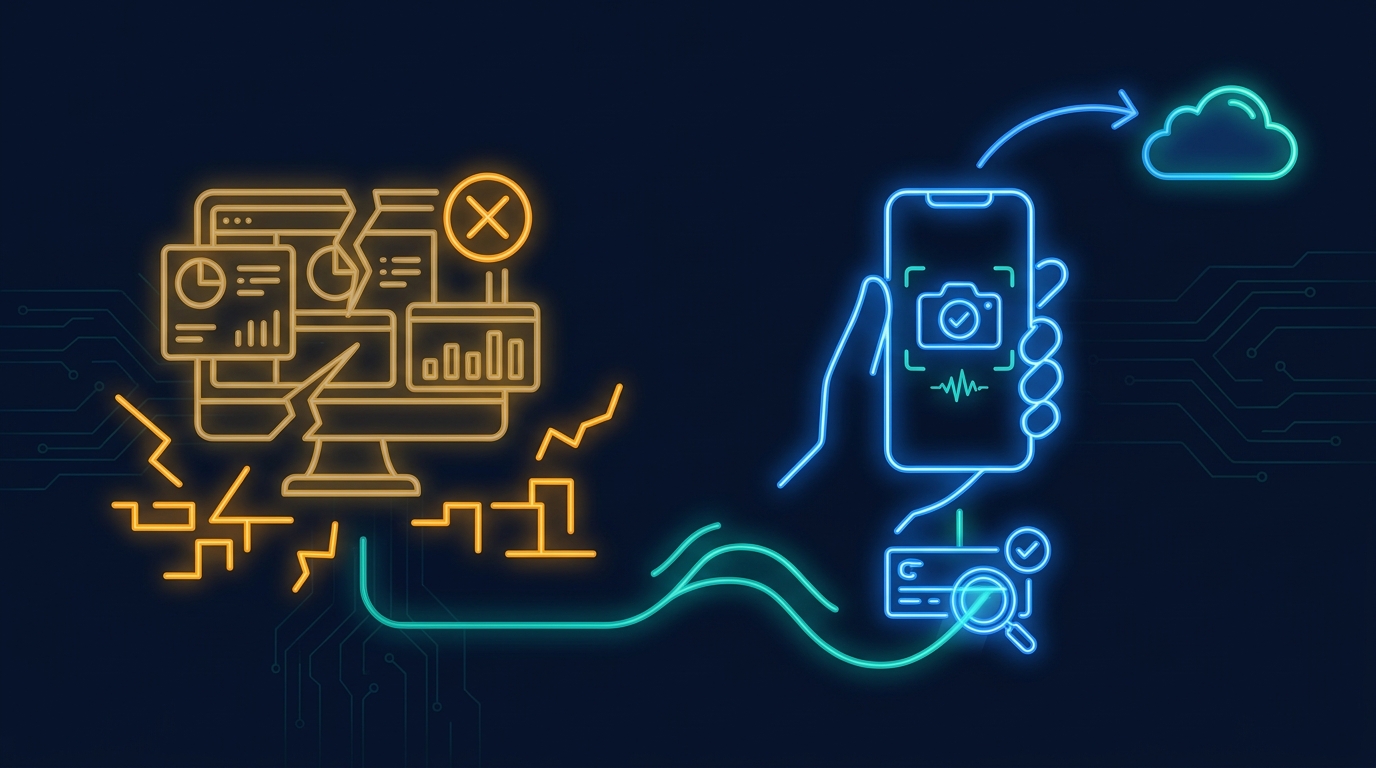
Mobile workflow apps break down when field teams need a small, specific flow that the core SaaS product was never designed to handle.
That came up on a call with the founder of an accounts receivable automation platform. His customers still had people receiving checks in the field, sometimes from an HVAC repair truck, then figuring out how to scan or record them later. He said some customers did not even have check scanners for the people doing the work.
The request was not for a bigger accounts receivable suite. It was for a focused mobile flow that fit one awkward operational moment.
Key Takeaways
- Mobile workflow apps should match the exact field moment, not just shrink a desktop dashboard onto a phone.
- The safest apps run inside the SaaS product's auth, APIs, tenant permissions, and audit model.
- In one production deployment, governed customer-built apps reached 90.8% activation and 89% day-30 retention.
- Start with forkable templates for common field patterns, then let each customer adapt the last mile.
Why do field teams need mobile workflow apps? #
Field teams need mobile workflow apps because the important work often happens away from the screen where the SaaS product was designed.
A finance user at headquarters might live in a dashboard. A technician or field rep might be in a truck, at a job site, holding a paper check, a photo, a work order, or a handwritten note. The same customer record sits underneath both moments, but the interface they need is completely different.
That is why a normal responsive screen often disappoints. It technically works on mobile, but it does not match the job. The user still has to search, tap through unrelated fields, upload a file somewhere generic, and remember the next step.
The mobile workflow app should remove that thinking. Open the phone. Capture the thing. Validate the right fields. Push the update back into the system that already owns the account.
What did the accounts receivable call make clear? #
The accounts receivable call made clear that the best mobile workflows are usually hiding inside a messy customer exception.
The founder described customers who still receive checks in the mail or in the field. One example was a technician getting handed a check from a business customer while out on a job. The person does not want to learn a generic no-code tool. They want to record the payment from the phone while the context is still fresh.
That kind of workflow sounds small until you try to build it into a product roadmap. One customer needs check intake. Another needs invoice photos. Another needs approval notes, job photos, or exception handling. Each flow is simple on its own, but together they become a pile of special cases.
A mobile workflow app is the right shape because it can stay narrow. It does not need to become a permanent tab in the core product for every customer.
Why don't desktop dashboards solve field work? #
Desktop dashboards are good for reviewing work. They are usually bad for capturing work while it happens.
The same call started with dashboards. Different customers wanted open invoices, overdue invoices, 30-day views, 45-day views, and different KPIs by hierarchy. The founder eventually said the familiar line: you add one more toggle, one more dropdown, and then you lose your mind.
That is the dashboard trap. A product team keeps trying to serve many operating models with one configurable screen. But a field workflow is not just a filtered view. It has a physical moment attached to it: scan this, confirm this, route this, save this before the person drives away.
If the app ignores that moment, the user will do the work somewhere else. The SaaS product may still be the system of record on paper, but the real workflow moved to a photo roll, a spreadsheet, or a text thread.
What should a good mobile workflow app include? #
A good mobile workflow app should include only what the user needs for one job, plus the platform controls that keep it safe.
For a check intake flow, that might mean photo capture, OCR, payer lookup, invoice matching, an exception state, and a submit button that writes back through approved APIs. For a maintenance flow, it might mean asset lookup, parts used, a required photo, and a completion note.
The important part is that the app is not a disconnected mobile form. It should inherit the SaaS product's login, roles, customer boundaries, and data rules. If the user cannot see a customer or invoice in the core product, the generated app should not expose it either.
That is where embedded builders have an advantage over generic mobile app tools. They can start from the product's actual API docs, data model, design system, and permission model instead of asking a field team to assemble those pieces themselves.
How do you avoid building one-off mobile apps forever? #
You avoid one-off mobile app sprawl by starting with templates that customers can fork.
The accounts receivable founder immediately understood this when we showed how a production customer uses first-party apps. The initial apps give customers a taste of what is possible. Then the fork button does the real work. A customer starts from a known app and changes the details: 30 days becomes 45 days, one approval rule becomes another, one capture field becomes a required photo.
That is much healthier than starting every customer from a blank prompt. Blank prompts make people think too hard. Templates show the shape of the workflow and give the AI builder a safer starting point.
The SaaS vendor still controls what can be published broadly. Private apps can move quickly. Shared apps can go through review. Popular templates can graduate into first-party apps once usage proves the pattern repeats.
When should mobile workflows become part of the core product? #
A mobile workflow should become part of the core product only when usage proves it is broadly needed and worth maintaining for everyone.
This is where generated apps create a useful product signal. Instead of arguing from a feature request, the product team can see which apps customers built, how often they opened them, whether other customers forked them, and whether usage continued after the first week.
Some workflows should never become core product screens. A check capture flow for one segment may be perfect as a customer-specific mobile app. A variant for field service, logistics, or facilities might deserve its own template. Only the repeated, high-usage pattern should become core product.
That keeps the main SaaS product from becoming a graveyard of edge cases while still giving customers the workflows they need today.
What should product leaders do first? #
Product leaders should look for field work that already happens outside the product, then turn the smallest repeated moment into a governed mobile app.
Do not start with a broad mobile strategy. Start with the ugly detail. Where are users taking photos and uploading them later? Where are they writing notes in the field? Where does a customer still need a paper step because the SaaS product does not have the right capture flow?
Once you find that moment, the app should be narrow enough to explain in one sentence and safe enough to publish without engineering babysitting every click.
Need mobile workflows without roadmap sprawl?
Gigacatalyst lets B2B SaaS teams generate governed mobile and web apps inside their product, using existing APIs, permissions, and design systems.
FAQ #
Conclusion #
The best mobile workflow apps usually start as one customer saying something awkward and specific.
Someone gets a check in the field. Someone needs to scan a paper work order. Someone needs a photo attached before the job is closed. Those moments are too real to ignore and too narrow to let them all reshape the core product.
A governed app layer gives SaaS teams a better middle path. Keep the platform stable. Let customers and internal teams build the focused mobile workflows that make the product fit the work.