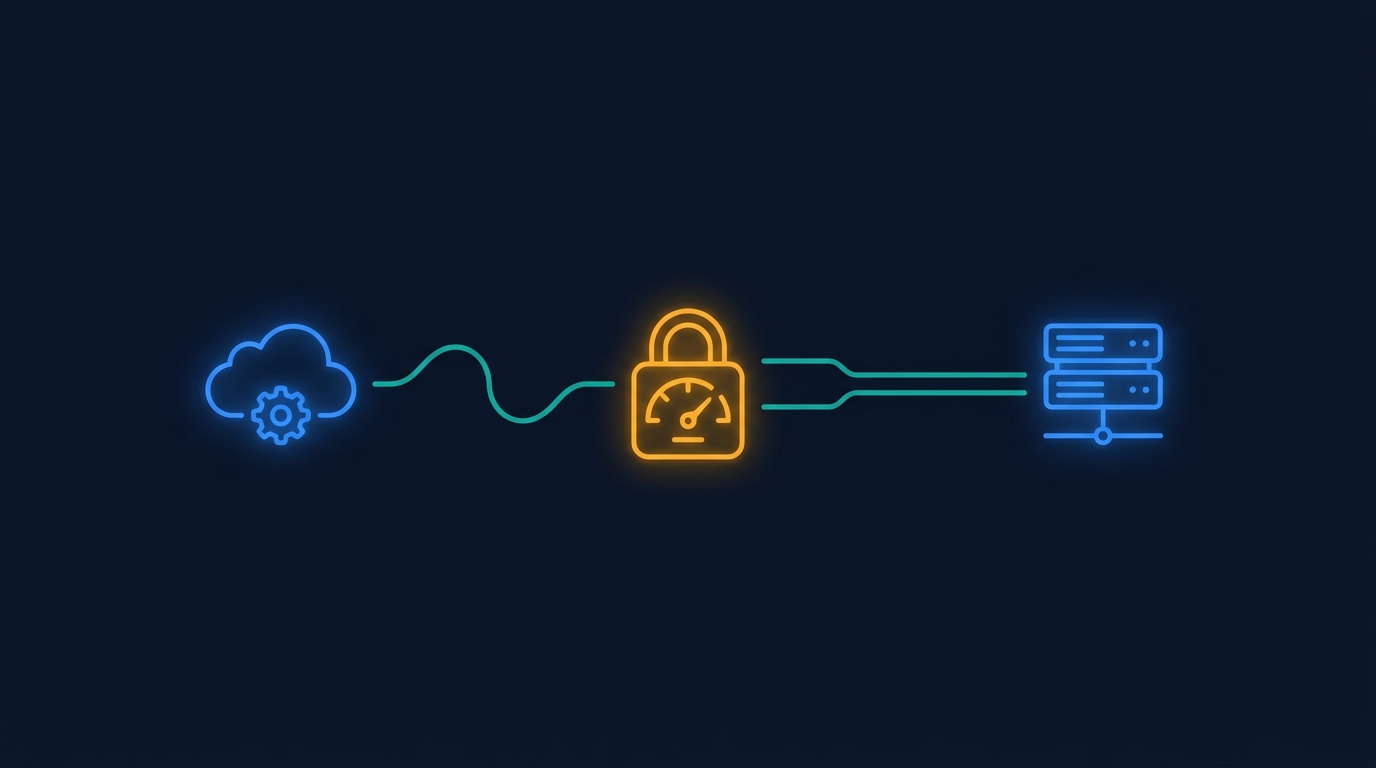
AI app builders need runtime budgets before they become a customer-facing product surface. The cost problem is not only the price of one model call. It is what happens when a user-built app can keep calling tools, scanning data, and retrying work without a clear boundary.
That matters more as AI infrastructure spending gets bigger. Recent reporting on the AI data-center buildout described hundreds of billions of dollars in debt, loans, and project financing tied to AI capacity.1 That is the macro version of the same lesson product teams feel in software: AI looks cheap at the prompt level, then gets expensive when the workflow is open-ended.
Key Takeaways
- AI app builders need budgets for API calls, model calls, and generated workflow runs.
- A narrow customer app is easier to price, govern, and debug than a broad agent with unclear scope.
- Start with one high-value workflow, then widen access after the team understands usage and failure modes.
Why do AI app builders create cost risk? #
AI app builders create cost risk because they turn natural-language requests into software that can run again and again.
A one-time demo might call a model a few times and fetch a small amount of data. A production app can do much more. It can refresh dashboards, process records, send requests to APIs, generate summaries, and create new versions as users keep editing it.
That is useful. It is also a different cost model from a normal SaaS screen.
A normal product surface has known paths. The engineering team decides which queries run, how often they run, and which limits apply. A generated app starts with a user request. The team has to make sure the generated result stays inside the product's economic and security boundaries.
What should a runtime budget include? #
A runtime budget should define what a generated app can spend and touch during normal use.
For a SaaS team, that usually means four practical limits:
- which APIs the app can call;
- how often it can call them;
- which model actions it can run;
- when a human needs to review a new version.
These limits should be visible to the team before the app is shared widely. If an app needs to inspect 100 records to answer a question, the budget should make that clear. If it needs to inspect 100,000 records every hour, that is a different product decision.
The point is not to make every user think about infrastructure. The point is to keep generated software from quietly creating a bill or a support burden nobody approved.
Why is scope the best first control? #
Scope is the best first control because it reduces cost, security risk, and debugging work at the same time.
A broad prompt like "analyze all customer activity and tell me what to do" can become many different workflows. A focused request like "show overdue work orders for this site" has a clearer data path. The app needs fewer tools. The permissions are easier to inspect. The runtime cost is easier to estimate.
This is why the first customer-facing AI builder pilot should not try to prove every possible workflow. Pick a recurring request with a known user and a known data boundary. Then watch what the app actually does when people use it.
In Gigacatalyst deployments, the strongest early apps have been focused customer workflows: a dashboard, a report, a checklist, or a small operational view connected to approved product APIs. Users still get the feeling of building something custom. The product team keeps a clear handle on what the app is allowed to do.
How should SaaS teams review generated apps? #
SaaS teams should review generated apps before they become reusable templates or public app-store entries.
The review should not be a full engineering rewrite. It should answer a small set of questions:
- Does the app use approved APIs?
- Does it respect tenant and role permissions?
- Are model calls bounded by the expected use case?
- Is the app useful enough to share beyond the first team?
That last question matters. A private app can be imperfect if the creator understands what it does. A shared app carries the host product's reputation. The review process should reflect that difference.
Where does Gigacatalyst fit? #
Gigacatalyst embeds AI app building inside B2B SaaS products with the host product's APIs, permissions, design system, and review flow.
That product boundary is the reason runtime budgets can work. The AI does not need open-ended access to everything. It can build apps from the approved interfaces the SaaS team already trusts, then make those apps shareable only when they pass the right bar.
In one production deployment, users built more than 2,000 apps. The useful pattern was not unlimited generation. It was governed generation inside a product surface people already used.
Want customer-built AI apps with real boundaries?
Gigacatalyst helps B2B SaaS teams let customers build focused apps on approved APIs, with review gates and usage controls built in.
FAQ #
Conclusion #
AI app builders become easier to trust when the team can see the boundary around each app.
Start with one narrow workflow. Give it approved APIs. Put a budget around model and data usage. Review the version before it becomes shared infrastructure.
Sources #
Footnotes #
-
Los Angeles Times. "Big Tech piles on $350 billion in debt to fuel AI data center race." https://www.latimes.com/business/story/2026-07-10/big-tech-piles-on-350-billion-in-debt-to-fuel-ai-data-center-race. 2026. ↩