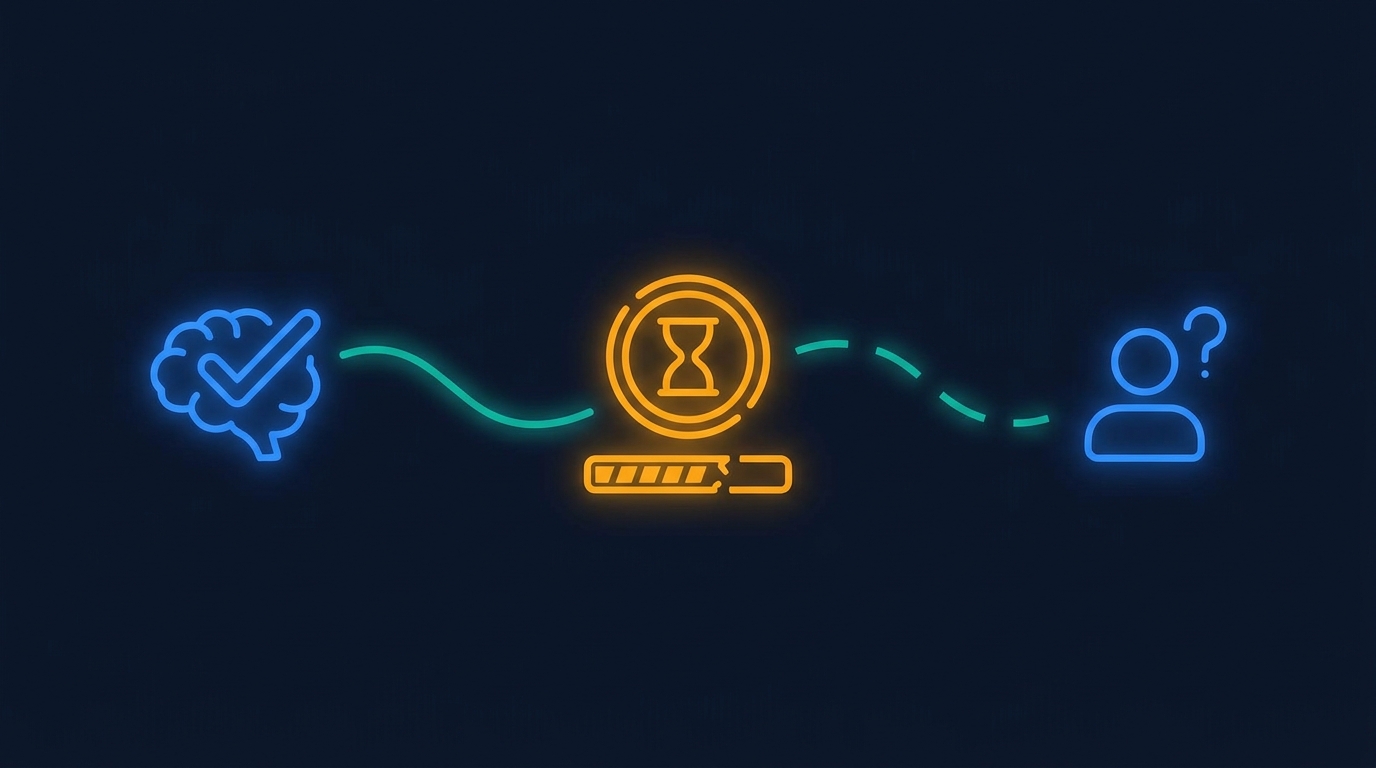
AI latency is not only an infrastructure problem. In a SaaS product, it is a trust problem.
A real estate analytics team showed us a product with roughly 270 million square feet of property data. Users can search buildings, transactions, micro-markets, catchment areas, and reports. The product already has filters, exports, maps, and tables for people who know what they want.
Then the team asked a practical question about adding AI. If a user asks for a custom market report and the system takes three or four minutes, will they think it is still working?
That is the right question. An AI feature can produce a useful answer and still feel broken while it is working on it.
Key Takeaways
- Nielsen Norman Group's classic response-time guidance says 10 seconds is about the limit for keeping attention on a task.1
- AI features need progress feedback because generation time is often variable, especially when data retrieval and report creation happen together.
- Product teams should keep common paths fast, show intermediate work, and reserve long waits for requests that clearly earn the wait.
Why does AI latency feel different from normal loading? #
AI latency feels different because users do not know what kind of work is happening.
When a normal report takes a few seconds, the user usually understands the shape of the wait. They clicked a filter. They exported a CSV. They loaded a dashboard with a known set of columns. The product has already taught them what the action means.
A chat box is less clear. The user might be asking for a simple table, a multi-source report, a PowerPoint, a forecast, or a new interface. The same input field can represent work that takes one second or five minutes.
That ambiguity changes the user's read of the product. A blank screen during a long SQL query feels slow. A blank screen during an AI task feels uncertain. The user does not know whether the system is thinking, stuck, missing permissions, or quietly doing the wrong thing.
For B2B SaaS, that matters because the user is often doing work under time pressure. A solutions engineer is preparing a customer demo. An analyst is building a market report. A customer success manager is trying to answer an account question before a call. They do not have much patience for magic that does not explain itself.
What should stay fast? #
The common paths should stay boringly fast.
Most products already know their highest-frequency actions. In a real estate analytics platform, that might be transactions by building, recent leases by micro-market, or a standard market summary. In a maintenance platform, it might be open work orders, overdue inspections, or cost by asset type. In a customer feedback platform, it might be frontline dashboard views by journey stage.
AI should not turn those paths into slower versions of the old product.
If the user asks for something the product already supports, route it through the fastest known path. Precompute where possible. Cache common joins. Use the product's existing filters and report definitions before asking the model to invent a new plan.
This is not less ambitious. It is how the AI earns permission to handle the weird cases. Users trust a system more when the simple requests feel immediate and the hard requests explain why they need time.
When does a long wait earn itself? #
A long wait earns itself when the output could not have been produced by a few normal clicks.
A three-minute wait may be acceptable if the user asked for a custom investor-style market report that combines buildings, transactions, tenant trends, and a presentation format. It is not acceptable if the user asked for the latest transactions in one building.
The product should make that difference visible. Before generation starts, the system can show a short plan: the sources it will use, the format it will create, and the steps that may take time. During the wait, it can show progress in plain product terms, not fake thinking messages.
Useful progress messages look like this:
- Finding matching properties and transactions.
- Building the comparison table.
- Drafting the report sections.
- Checking export format.
The point is not to entertain the user. The point is to prove that the product understood the job and is still moving.
Why is a blank chat box risky in mature products? #
A blank chat box is risky because it can erase years of product decisions.
Good SaaS products contain hidden judgment. They decide which filters belong together, which exports are safe, which data joins are useful, and which actions should be impossible for a given role. The interface is not just decoration. It is a map of the product team's accumulated understanding.
When AI enters the product as one empty prompt, it can ignore that map. It may still call the same APIs, but the user experience becomes less predictable. Every request starts from scratch. Every output format feels possible. Every delay has to be re-explained.
That is why AI builders inside SaaS should inherit more than the data model. They should inherit the product's shortcuts, permissions, saved views, common report shapes, and user roles.
Gigacatalyst takes this approach when it sits inside a SaaS product. The builder uses the host product's APIs, permissions, and design language, but the important product work is deciding which actions should be fast paths and which requests deserve generation time.
What should product teams instrument first? #
Product teams should instrument the wait, not only the answer.
Track how long each request spends in planning, data retrieval, generation, validation, and rendering. Track where users abandon the flow. Track whether the same slow request repeats often enough to become a fast path. Track whether users edit the generated output or immediately export it.
Those numbers tell you whether the AI feature is becoming part of the product or sitting beside it as a novelty.
The first pass does not need a complicated analytics system. Start with a small set of events:
- request started
- plan shown
- first visible progress
- first useful preview
- final output
- export, share, or discard
If users abandon before the first preview, the product likely needs earlier feedback. If they wait until the final output and discard it, the issue may be quality or source selection. If one request keeps repeating, it probably should not be fully generated every time.
How should AI features handle uncertainty? #
AI features should admit uncertainty through the interface before the user loses confidence.
If a request needs a slow data pull, say so. If the system needs approval to access a source, ask for that approval before pretending to work. If a report will take minutes, give the user something useful early: a preview table, an outline, or a partial result they can inspect.
The worst experience is silence followed by a polished answer. Even when the answer is good, the product has trained the user not to trust the wait.
A better experience is staged. The product confirms the job, shows the plan, produces the first useful artifact quickly, then improves it. That keeps the user in the loop without making them manage the model.
This is the same reason traditional product design cared about response time long before AI. Nielsen Norman Group's response-time limits are old, but the user psychology has not changed. People need to feel that the system is responding, that their task is still alive, and that the wait has a reason.1
What does this mean for B2B SaaS teams adding AI? #
It means the AI roadmap should include interaction design, not only model quality.
Ask these questions before shipping a broad AI builder:
- Which requests should be instant or near-instant?
- Which requests deserve a visible plan?
- Which sources and actions are allowed for each role?
- When should the product show a preview instead of waiting for a final artifact?
- Which repeated generations should become saved workflows or templates?
The answers will be different for every product. That is the point. A generic AI chat box cannot know the product's speed expectations, customer workflows, or trust boundaries by itself.
The best AI features do not make users wonder whether the product is alive.
They keep the familiar paths fast, make the slow paths legible, and turn repeated slow paths into product shortcuts.
Want AI apps that feel native inside your SaaS product?
Gigacatalyst helps B2B SaaS teams ship governed AI builders that use your APIs, permissions, design language, and product shortcuts.
FAQ #
Sources #
Footnotes #
-
Nielsen Norman Group. "Response Times: The 3 Important Limits." https://www.nngroup.com/articles/response-times-3-important-limits/. ↩ ↩2