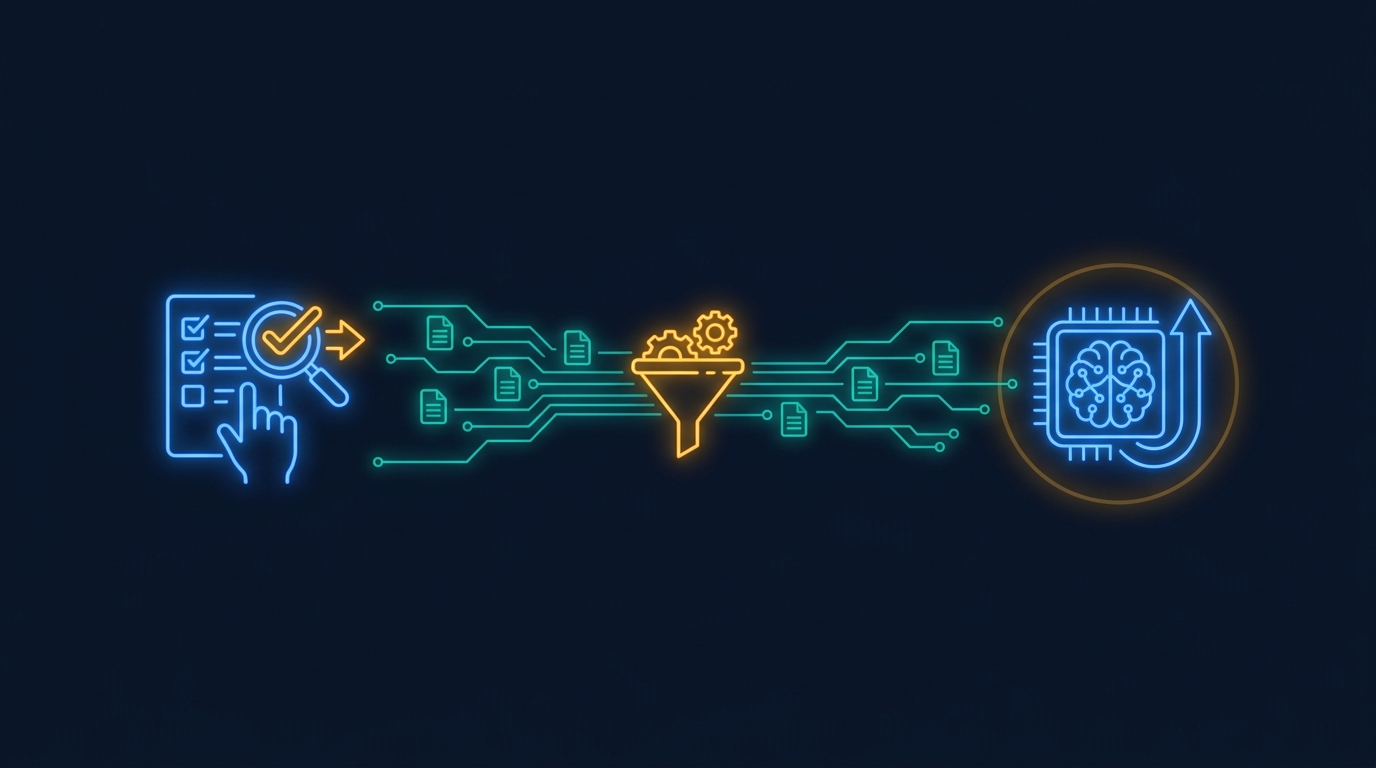
Specialist AI models do not start with training. They start with workflow logs.
A Hacker News discussion surfaced a useful example this morning: a 9B open model fine-tuned for catalog review beat frontier models on that one task. The reported result was 87.3% of the maximum score at about $0.50 per 1,000 listings, while frontier configurations were far more expensive and scored lower on the same workflow.1
The lesson for product teams is practical. If a workflow will run thousands of times, the valuable asset is not only the model choice. It is the record of inputs, corrections, approvals, and outcomes that lets a smaller specialist learn the job.
Key Takeaways
- A task-trained 9B model reportedly reached 87.3% on catalog review at about $0.50 per 1,000 listings.1
- Specialist models need clean examples from real workflows before they can replace expensive general calls.
- Product teams should log decisions, corrections, and approvals during the prototype phase, not after costs spike.
Why do specialist AI models need logs first? #
Specialist AI models need logs because training data has to come from the work itself.
A general model can help prove that a workflow is possible. It can inspect a record, suggest a decision, draft a response, or build the first version of a tool. That is the right starting point. The team is still learning what the workflow is, where humans disagree, and what quality bar matters.
But a repeated workflow has a different shape. After enough runs, the product team can see the same decisions happening again. Some fields matter more than expected. Some model outputs always need the same correction. Some edge cases require human approval.
Those events are the raw material for a specialist model. Without them, the team is asking a smaller model to guess the job from a spec. With them, the model can learn from the way the company already does the work.
What should the product capture? #
The product should capture the parts of the workflow that explain a decision.
For most enterprise workflows, that means the original input, the model's proposed output, the human correction, the final decision, and the reason someone overrode the model. The reason is often the most important part. It separates a typo fix from a policy rule.
Approval data matters too. If a generated answer was accepted immediately, that is a signal. If it was edited by a senior reviewer, that is a different signal. If it was rejected because the source record was bad, the model should not be blamed for the whole failure.
This is why logging belongs in the product surface. A pasted transcript in a spreadsheet is better than nothing, but it usually loses the user role, permission boundary, data source, and review path.
When does a specialist model make sense? #
A specialist model makes sense when the task is repeated, scored, and expensive enough to care about.
Catalog review is a clean example because the task can be measured. A listing is right or wrong in concrete ways. The same kinds of errors repeat. At volume, even small per-decision cost changes matter.
Many B2B SaaS workflows have the same pattern. Claims review, support triage, customer-health scoring, invoice exception handling, demo-data preparation, and compliance checklist review all produce repeated decisions. They also have product context a generic model will not know unless the team supplies it every time.
The mistake is trying to train too early. If the workflow is still changing every week, the frontier model is useful because it absorbs ambiguity. If the workflow has stabilized, a specialist can be cheaper, faster, and easier to evaluate.
How should teams prototype without wasting the data? #
Teams should prototype in a way that leaves a clean trail.
That means every AI run should have an object the product can inspect later. What did the user ask for? Which records were used? What did the model return? Who approved it? What changed before the result was trusted?
This does not require a giant data platform on day one. It does require treating the prototype as the beginning of the training set. If people test in chat windows, screenshots, and disconnected scripts, the useful corrections disappear.
A better path is to run the workflow inside the product boundary from the start. Use the general model to explore. Keep the approved data paths narrow. Save the corrections. Once the team has enough examples, evaluate whether a smaller specialist can take over part of the work.
What does this change for SaaS AI features? #
It changes the job of the SaaS AI feature from "call the best model" to "learn the workflow safely."
That is a product design problem as much as a model problem. The interface has to ask for the right correction. The review flow has to record who approved what. The system has to know when a failure came from missing context instead of bad reasoning.
Gigacatalyst cares about this because embedded AI apps sit inside the SaaS product's data model and permission system. That makes the workflow log much cleaner. The app knows the user, the tenant, the approved APIs, and the output that was actually shared.
A general model is still the best way to find the first version of many workflows. The product that wins the repeated work is the one that remembers what happened after the first version shipped.
Want AI workflows that get cheaper as they repeat?
Gigacatalyst helps B2B SaaS teams build governed AI apps inside their product, with the context and review trails needed for repeatable workflows.
FAQ #
Sources #
Footnotes #
-
FermiSense. "The Rise of Intelligence Ownership: a task-trained open source model vs the frontier." https://fermisense.com/when-machines-take-the-wheel/. 2026. ↩ ↩2